Connect the feed
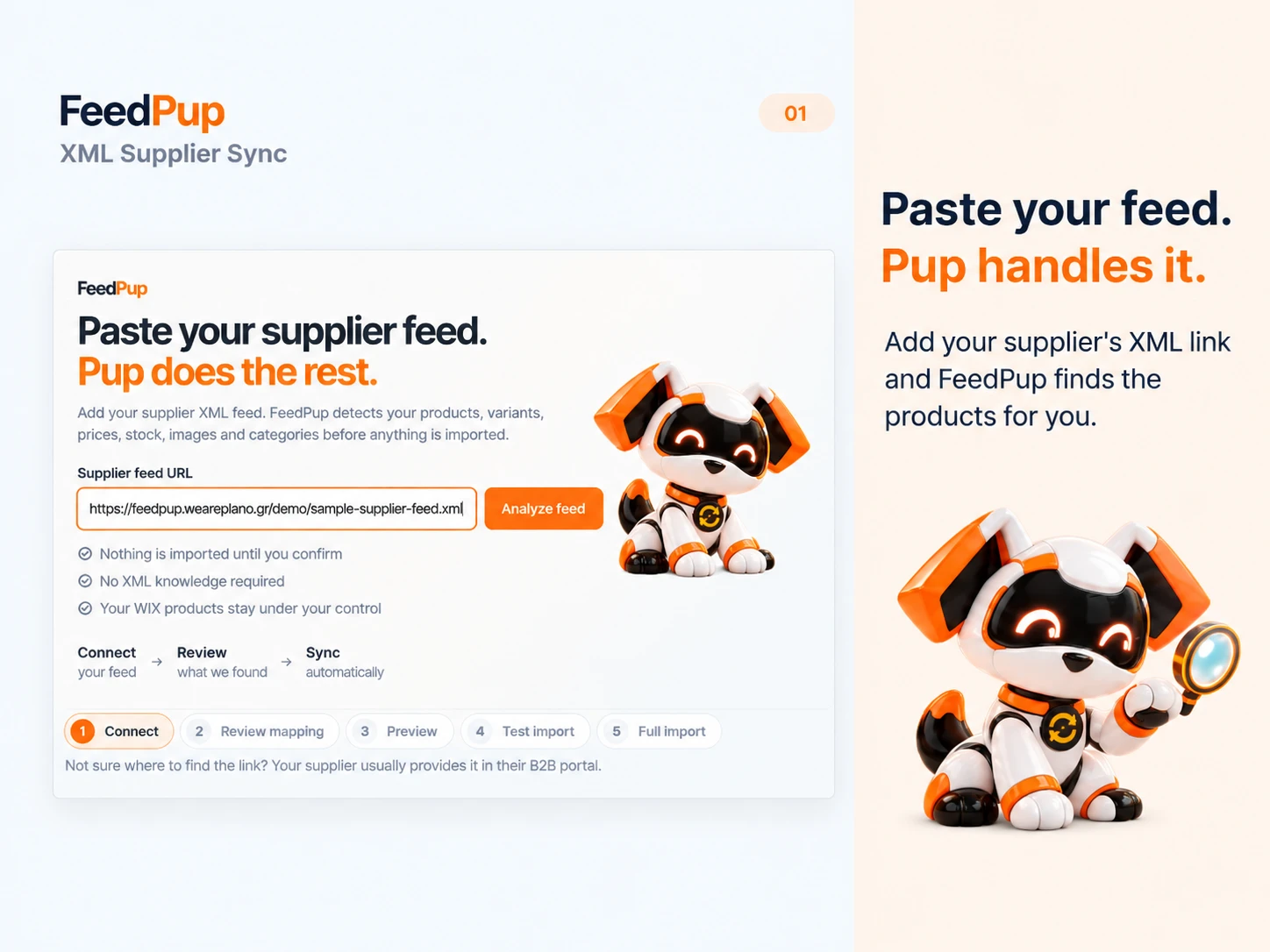
Paste the product link your supplier gives you. No code or XML knowledge needed.
 FeedPupSupplier sync made simpleGet FeedPup
Supplier XML feeds for Wix, WooCommerce and Magento
Paste your supplier feed. Pup does the rest.
Different supplier formats can confuse rigid import tools. Pup finds product names, prices, stock and photos—even when feeds are structured differently—then lets you review the results before anything is imported.
No XML expertise needed · Connect a feed in under 2 minutes · English, German, French, Spanish and Greek, with more languages coming

Made for the feed that will not fit
When an importer expects one fixed layout, a supplier's different field names or structure can stop setup. FeedPup recognizes varied XML product feeds, shows the details it finds with examples, and lets you confirm the matches in plain language.
Fetch. Map. Sync.
FeedPup takes the hard-to-read supplier file and turns it into product decisions you can understand.
Paste the product link your supplier gives you. No code or XML knowledge needed.
Pup recognizes product details across varied feed layouts and suggests where they belong, so you can review the match in plain language.
Review examples, preview products and try up to 100 as drafts before a full import.
Made for busy store owners
Forget hunting through raw data. FeedPup shows the product detail it found, an example from the supplier, and where it can go in your store.
Control what reaches your store
FeedPup helps you decide how supplier products, prices, stock and categories are handled.
Add a percentage or fixed markup, round prices, and set more detailed pricing rules on eligible plans.
Choose whether supplier stock updates your store. Add a stock buffer or minimum-stock rule on eligible plans.
Match supplier category paths to store categories on supported platforms. Category mapping is not in the current Wix release; it is included in the Shopify version under review.
Exclude an item by supplier product ID so FeedPup will not create or update it in future runs. Existing store copies stay untouched.
Choose your store platform
Built around your workflow
Try products as drafts first. Decide which fields to sync. FeedPup updates only what you choose, so the details you maintain yourself remain yours to manage.
Good questions
Clear answers about XML feeds, product mapping, prices, stock and store platforms.
Suppliers organize product information in different ways. A rigid importer may not recognize a feed's layout or field names. FeedPup is built to recognize varied supplier XML structures, show the product details it finds, and let you review suggested matches before importing.
Yes. Copy the XML feed link from your supplier, paste it into FeedPup, and review the product details Pup finds. You do not need to write code or read raw XML. Setup is designed to take under two minutes for a reachable, supported feed.
It is a link to a supplier's product information: details such as product names, prices, stock and images. Your supplier usually provides the link in its business or wholesale portal.
FeedPup connects to the XML feed link your supplier provides; it does not upload a file from your computer. The supplier link lets FeedPup fetch updates again when your scheduled sync runs.
No. You review the detected fields and product preview first. You can try up to 100 products as drafts before choosing whether to import the full feed.
Yes. On eligible plans, pricing rules can add a markup or fixed amount, round prices, and apply tiered or category-specific pricing. You choose which rules to use before syncing.
You can choose to keep inventory in sync with the supplier. Eligible plans also support stock buffers and minimum-stock rules, so you can control how supplier quantities are reflected in your store.
Yes. You can keep a product out for 10 days, 1 month, 3 months, 6 months, 12 months, or forever. You can also delete the copy already in your store. The list is under Removed products, where you can search, change the duration, or include products again. FeedPup does not edit the supplier's XML.
On Growth and Pro you choose which of your own categories each supplier category goes into. A broad supplier category can go into a broad store category or a specific one, and its subcategories can follow it or go somewhere else. Nothing is filed automatically.
FeedPup is available now for Wix Stores, WordPress / WooCommerce, Adobe Commerce (Magento) and Joomla / HikaShop Business. Shopify is coming soon and is currently in the App Store review process.
The app is available in English, German, French, Spanish and Greek. More languages are planned.

Ready when you are
Start with your supplier link. Review the results at your pace.
FeedPup is supplier feed import software by PLANO. It reads a supplier’s XML or CSV product feed, suggests field matches you confirm, runs a free test import of up to 100 draft products, and then keeps prices and stock in sync on a schedule (paid plans from €9.99/month).
Get it on WordPress.org ↗Get it on Wix App Market ↗Download for Joomla (.zip)
Setup, plans and FAQs for each platform.